
Your link.
One simple tap.
Turn your NFC card, sign, sticker or keychain into a shortcut to your website, profile or Link Hub.
Requires a compatible NFC phone and NFC item.

From link to tap in three steps.
Choose a destination. Write it to your NFC item. Start sharing.
Add your link
Paste your website, social profile or booking link. Or import a link from a QR code.
Write to your NFC item
Choose Save to NFC Item, then hold your item near your phone when prompted.
Tap to share
Someone taps the item with a compatible phone to open your link.
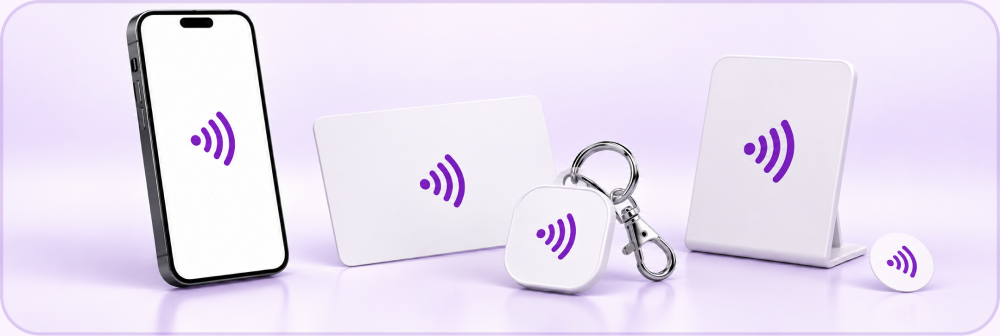
Small item. So many possibilities.
Business cards, signs, stickers, keychains and displays. Choose the NFC item that fits the way you connect.
One app. Your Links, ready to go.
Keep your destinations organized and your NFC items up to date.
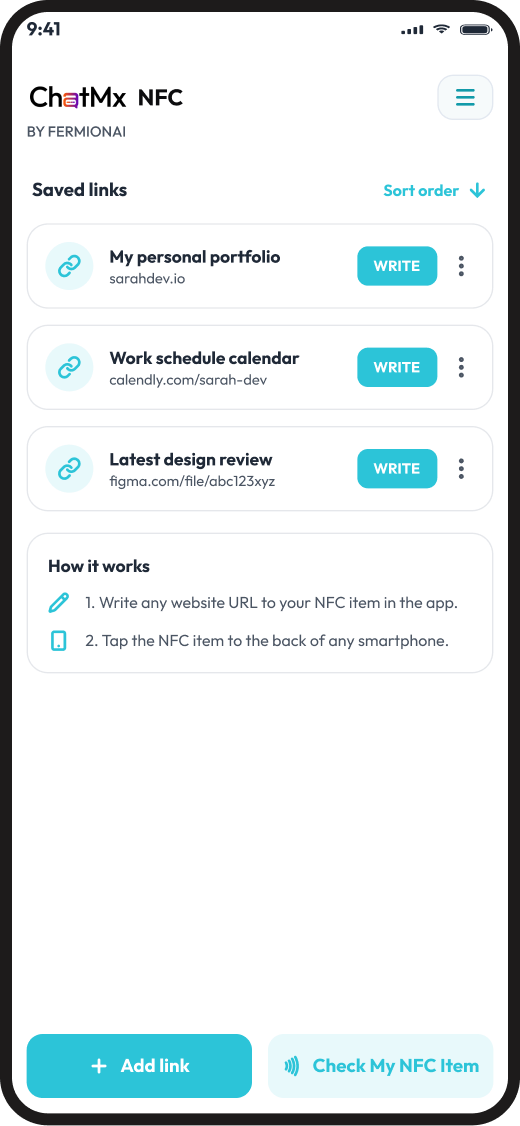
Write and rewrite links
Save a web link to an NFC item. Update the destination when it is time for something new.
Keep your links organized
Save the links you use most, sort your list and find the right destination quickly.
Write the same link to many items
Prepare multiple NFC cards, signs or stickers for an event or your business.
Import links from QR codes
Scan a QR code to bring its web link into the app, without typing it out.
One tap.
More ways to connect.
Point your NFC item to a ChatMx Link Hub: a branded page for your bookings, socials, contact links and AI assistant.
The NFC app writes the link. Your Link Hub brings the experience together.
Explore ChatMx Link Hub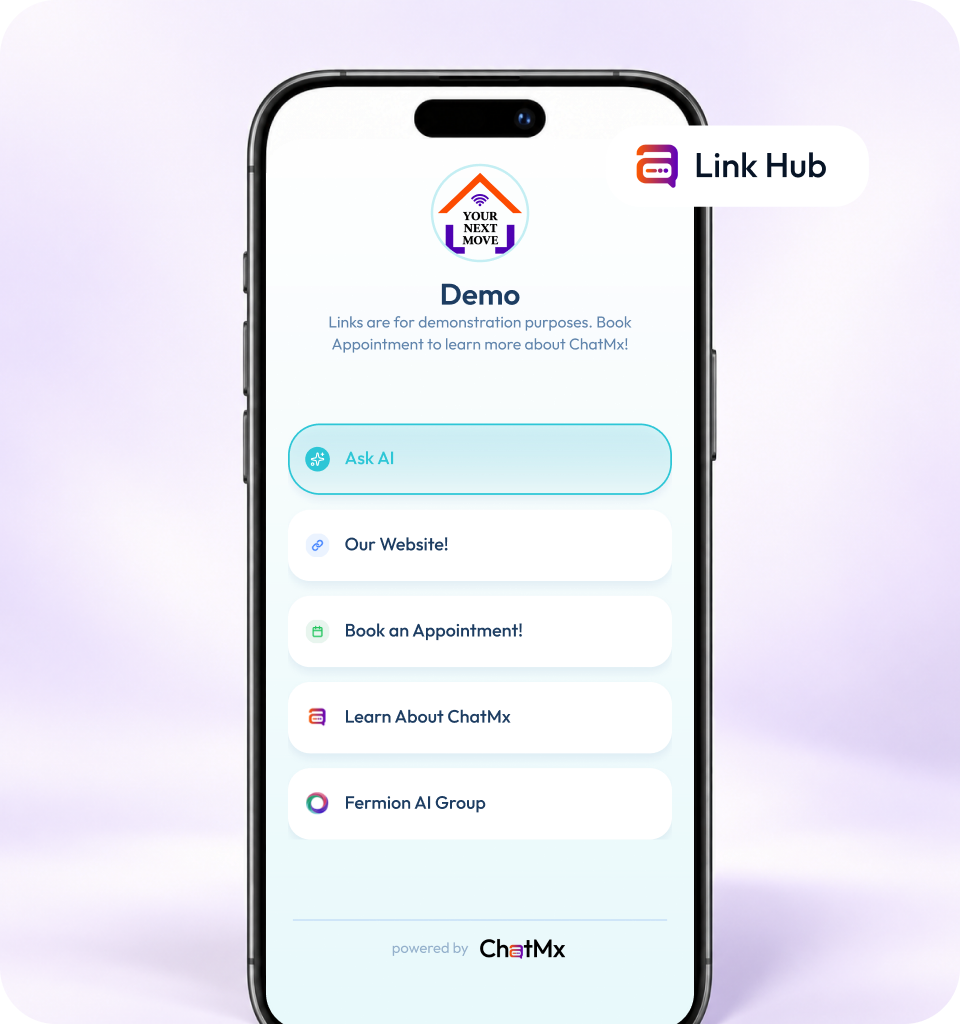
CUSTOM NFC ITEMS
Your brand.
One simple tap.
Custom NFC cards, keychains and stickers, ready to share your link. Tell us what you need and we will confirm the details with you.
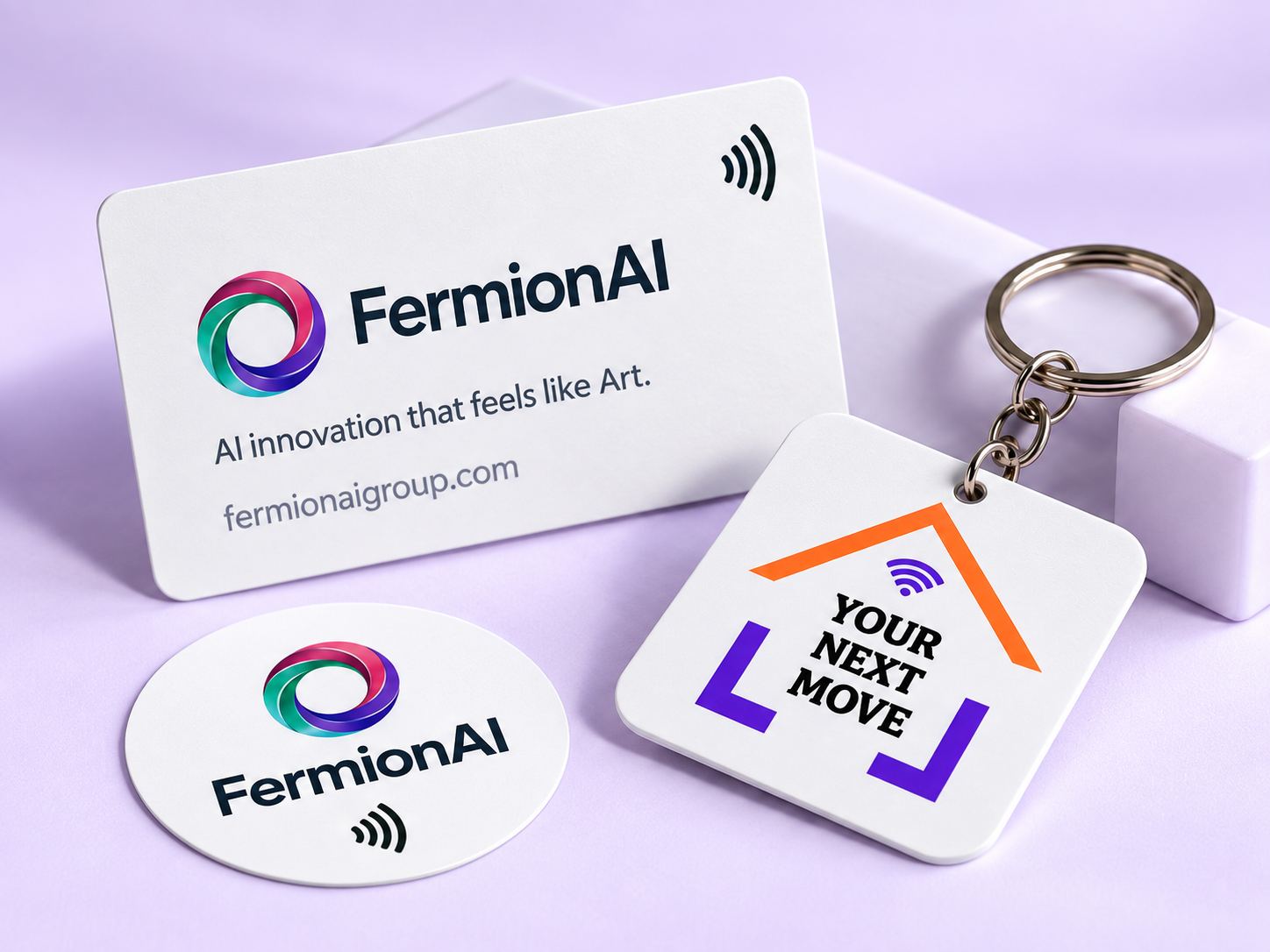
Cards. Keychains. Stickers.
Made for your brand. Written with your link.
Frequently Asked Questions
New to NFC? Start here.
What is an NFC item?
An NFC item is a card, sticker, sign or keychain with a small chip inside. When someone taps it with a compatible phone, it opens the link saved on it. They don't need an app to open it.

What do I need to get started?
A compatible NFC phone, the ChatMx NFC app and a writable NFC item. Add your link in the app, then hold your item near your phone when prompted to write it.
Can I change the link later?
Yes. Choose a new destination in the app and write it to the same item again, as long as the item hasn't been locked.
Can I use my own website link?
Yes. Any web link works, including your website, social profiles, booking pages or a ChatMx Link Hub.
Make your NFC item yours.
Add your link. Write it. Share it with a tap.

Engage. Analyze. Convert.



%20(7).png)




.svg)
.svg)